Include operating system, runtime version, exact stage, and sanitized output. Remove credentials and personal data.
Installation reference
Install RocketReach research in a controlled environment
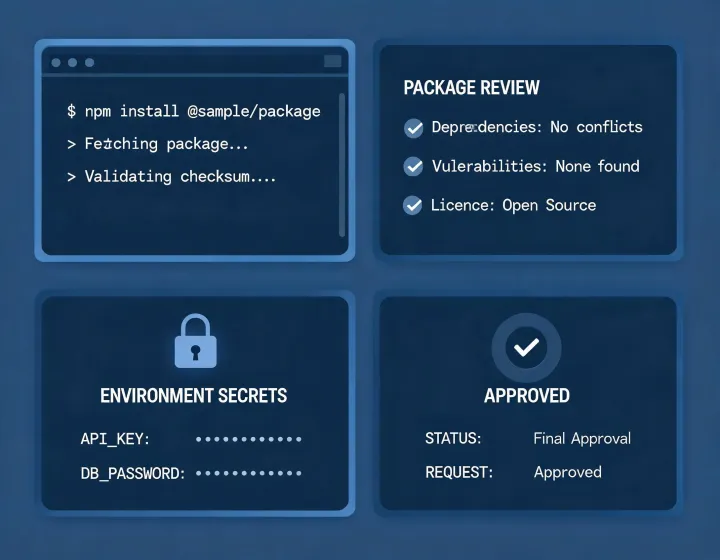
Installation support, without a sales gate
Reference hours
Monday–Friday, 09:00–17:00 UTC.
Questions about copy, run, configuration, and first-result review are prioritized. This channel does not sell lists or managed sending.
Safety channel
Privacy · Terms · Research notes
Never post API keys, contact exports, session logs containing tokens, or identifiable prospect data in public.
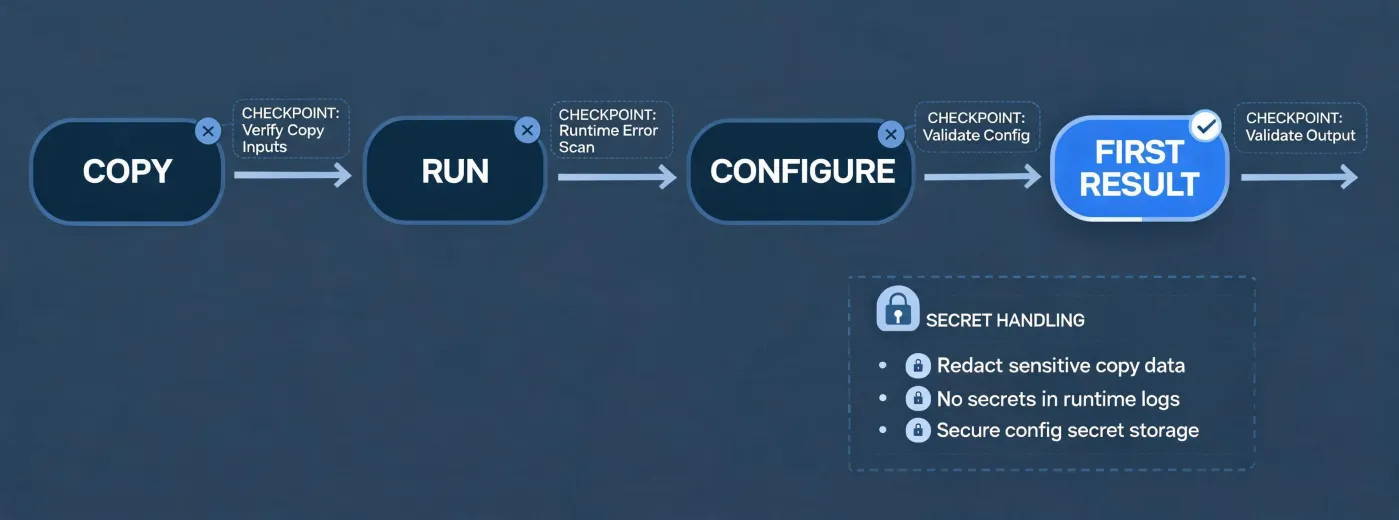
Copy the exact command
npx -y @okki-global/okki-go-taroball
Copying changes only your clipboard. Review the package prompt before running. Configure credentials through a runtime secret store with minimum scope. Test known companies and keep outreach disconnected until identity, event dates, provenance, role relevance, suppression, and regional requirements pass review.
For a reproducible support request, record the package version, test date, operating system, runtime, sanitized error, and the smallest task that triggers it. State whether failure occurred while copying, running, configuring, or reviewing the first result.
Before configuration, list every external service the task may call and the minimum permission needed. Decide where intermediate company records are written, who can access them, how retries behave, and when temporary output is deleted. Do not reuse a production credential for an exploratory test.
Build the first task around a small set of companies whose domains, operating names, event dates, and relevant functions are already known. Include at least one exclusion and one ambiguous identity. This makes false merges, stale events, and unsupported role assumptions visible without relying on an unknown benchmark.
After the run, separate installation health from research quality. A completed command shows that the package ran; it does not validate coverage or accuracy. A populated field shows that a source returned something; it does not establish freshness, lawful use, or commercial relevance. A draft message shows text generation; it does not authorize sending.
When connected outreach is later considered, establish SPF, DKIM, and DMARC health, suppression controls, opt-out handling, regional rules, sending limits, and a named human approver. Keep evidence supporting the account choice alongside the review record. No workflow can guarantee inbox placement, consent, replies, or fit.